How to organise important papers at home: the family emergency folder
Anuxis · Reviewed by David Merinas, founder ·
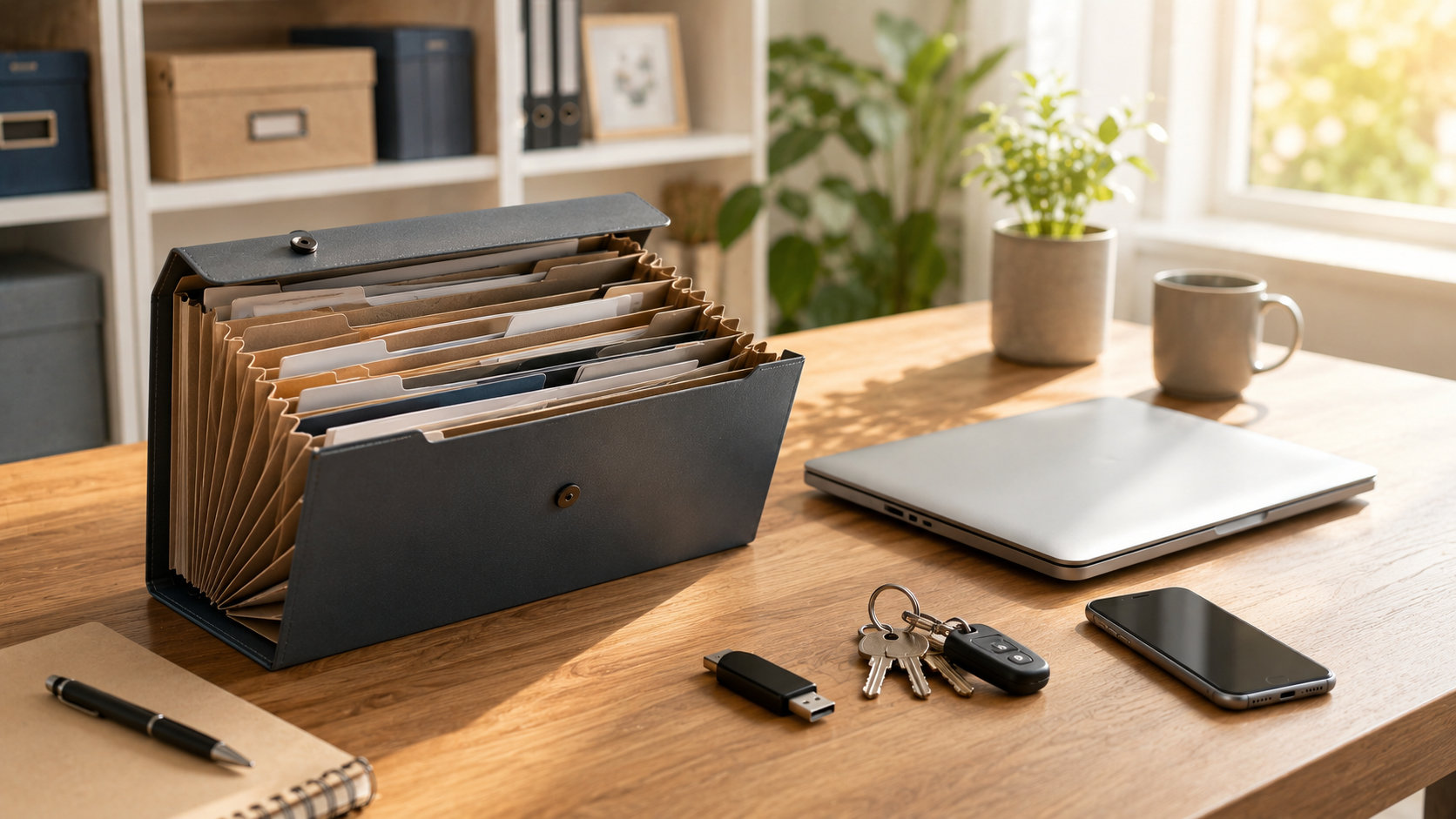
Organising your important papers and household bills takes one afternoon: gather everything in a single place, split it into six sections, make a digital copy, keep passwords separately and tell someone you trust where it is. The result is a family emergency folder: the one your family would know how to use if one day you cannot deal with things yourself.
Which documents need to go inside, we explain in the important documents list. Here is the how, step by step.
What you need
- A standard-size ring binder with clear plastic sleeves, or an expanding file with dividers if you prefer. The sleeves save you punching holes in the originals.
- Six dividers, one for each section.
- A label on the spine saying what it is, so anyone can find it on the shelf.
- If you want to protect the originals, a box that can withstand water and fire to keep the binder in.
1. Gather everything in one place
Go through the drawers, the desk and the loose folders, and put everything that looks important on one table. Do not sort it yet: first, get it all together. Also search your email for the policies, contracts and bills that you only have in digital form.
2. Split it into six sections
- Identity and family: identity documents, certificates, qualifications.
- Home and car: deeds or rental contract, mortgage, utilities, the car.
- Money and insurance: banks, policies, taxes, contracts.
- Health: health card, medical reports, medication.
- Work: contract, payslips, your business papers if you are self-employed.
- Paperwork and wishes: will, powers of attorney, advance directives about your health.
They are the same six blocks as in the important documents list, so you can use it to check that nothing is missing.
3. Throw out what you no longer need
For example, electricity bills more than five years old, guarantees for appliances you no longer have, or insurance policies you cancelled long ago. What you do not throw out is the proof of anything you are still claiming tax relief on, such as the purchase of your home. Before throwing anything away, check how long to keep each document in Spain. Anything with personal details on it, tear up before you throw it away.
4. Put an instruction sheet at the front
It is the most useful page of all. Write down, by hand or on the computer:
- who to call first, and their phone numbers;
- which bills are paid from each account;
- the assistance phone line of your insurance policies;
- medication and allergies;
- what is urgent and what can wait;
- where the digital copy is and how to reach the passwords, without writing them down.
Whoever opens the folder in a hurry should be able to act with this sheet alone.
If you like, use our printable template: it already has these sections and fits on a single sheet.
5. Make a digital copy
Your phone is enough. On an iPhone, the Notes app has an option to scan documents; on Android, the Google Drive app scans with its camera button. Each document becomes a file that can be looked at from anywhere.
When you scan, the copy stays on your phone or in your Apple or Google account: protected by your password, but only you can get to it. For it to be useful in an emergency, keep it somewhere encrypted (protected so that nobody can read it without permission) that the person you trust can also reach.
This step is done when every document in the folder has its copy and that person knows how to reach them. The copy does not replace the originals, but if trouble catches you on a trip, or it falls to someone who lives in another city to sort things out, it is what makes the difference.
6. Passwords, kept separately
Never in the same folder as everything else. They can go in a sealed envelope kept somewhere else, in a password manager or in an encrypted service. What matters is that someone you trust knows how to reach them if needed.
7. Tell someone where it is
A folder nobody knows about is no use at all. Tell at least one person who does not live with you (a brother or sister, a son or daughter, or a close friend) and, if you live with someone, that person too. People who can act quickly and who know the folder exists before they need it.
Bills and the papers that arrive every month
To stop the folder getting messy again:
- A tray for whatever arrives. Letters, bills and receipts go there, without thinking.
- Once a month, into their section. Bills for utilities, appliances and home improvements go to “Home and car”; those for other purchases with a guarantee, to “Money and insurance”. Whatever does not need keeping goes in the bin.
- If they arrive digitally, create a folder in your email with the same six sections and move each bill there when it arrives.
On paper or digital?
On paper it works without batteries or passwords, and anyone can understand it. But it stays at home: it is no use to someone far away and, if someone breaks into your home, it is right there for them.
Digital can be updated in a minute and looked at from anywhere. The risk is the opposite: if it is on your computer or in your cloud and nobody can get in, it is as if it did not exist.
What works best is a mix: the originals in the paper folder and a digital copy that someone can reach, each one saying where the other is.
Frequently asked questions
One folder per person or one per household?
One per household, with a section for each person inside “Identity and family” and “Health”. That way whoever opens it does not have to look in several places.
What about my parents' papers?
In their own folder, in their home, put together with them. If you are the one who looks after their affairs, keep a sheet in yours saying where theirs is, and a digital copy of the essentials.
Where do I keep it at home?
In a fixed place, within reach and away from water: a shelf or a cupboard, not the storage room or a kitchen drawer. What matters is that it does not move.
How often should I review it?
Once a year, and whenever you change bank, insurance or medication. Doing it at the same time as your tax return is the easiest way not to forget. If the instruction sheet changes, let the person who knows where the folder is know.
If you would rather it were digital and arrived on its own
A folder in a drawer depends on someone knowing it is there and being able to go and get it. Anuxis keeps the same things encrypted and gets them to the people you choose if one day you stop responding to the reminders it sends you. Try it for 30 days without a card.