How inactive-activation works
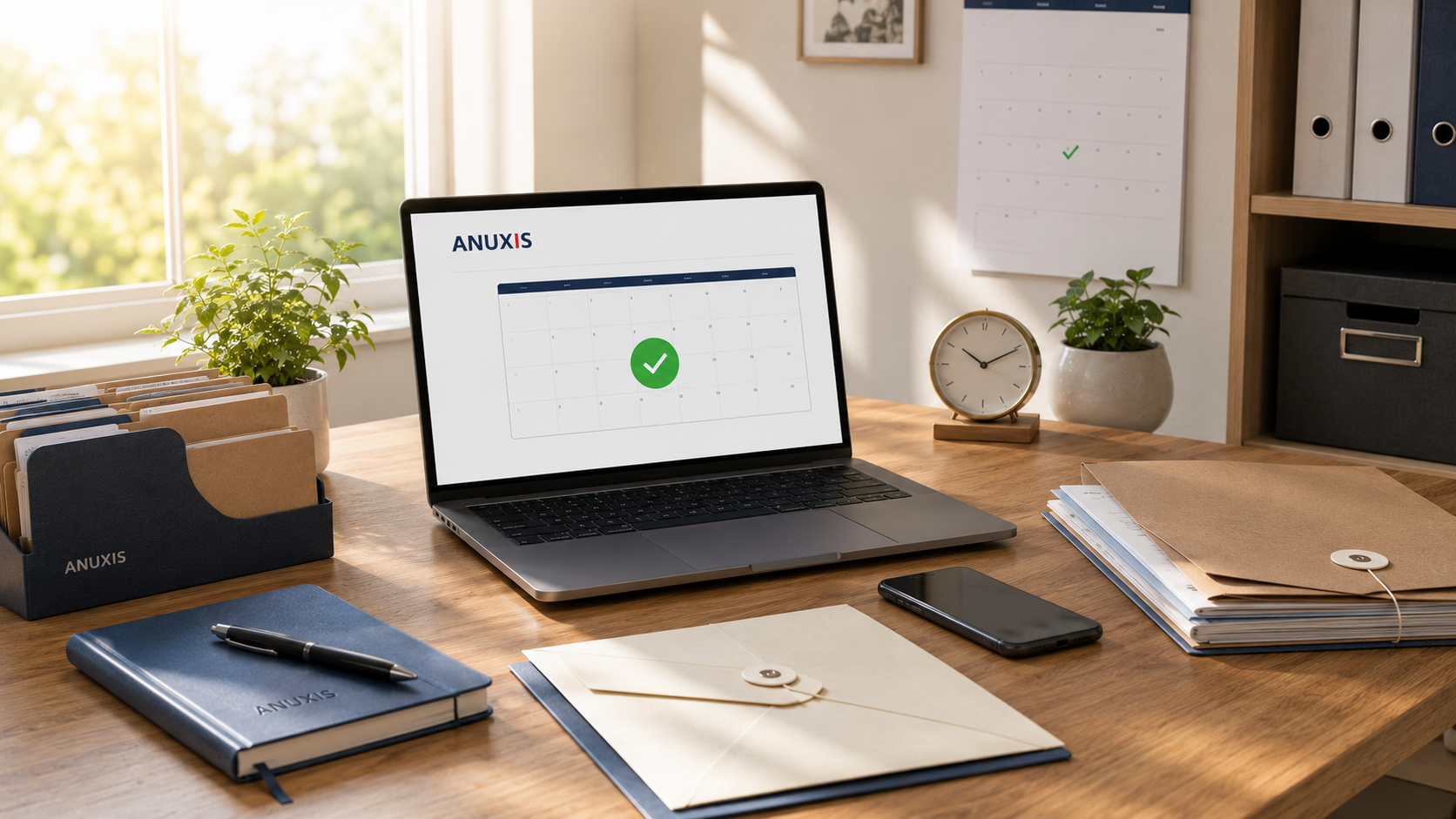
Marcos had a saved document with his mother's bank passwords. A password-protected Word on his computer. When she suffered a stroke and became unable to communicate, he needed that information immediately. The problem: the document was on his laptop, and Marcos was 800 kilometers away, in Germany, working. It took him three days to return, two more to find the file among folders, and by then he had already missed an appointment with the bank that took weeks to reschedule.
Organizing critical information is not enough. It has to arrive when needed, without anyone having to search for it, without depending on you answering the phone or someone knowing where you stored that PDF.
The automatic activation by inactivity systems solve exactly that: they detect when you can no longer manage your information and deliver it to whom you designated, without manual intervention.
What automatic activation means
A digital custody activation system works with a simple rule: if you give no signs of life for a set period, the system assumes something has happened and activates the delivery protocol.
It’s not a blind timer. It’s a mechanism designed to distinguish between "I’m on vacation offline" and "I’ve been unable to access for weeks."
The critical difference with other methods: it does not require you to manually act at the moment of the problem. Because precisely at that moment you can’t.
The problem with manual systems
Some services require that you be the one to activate delivery when the time comes. A button you press, an email you send, a call you make.
It sounds reasonable until you think about real-life situations:
You’re in the emergency room after a traffic accident. You don’t have your phone. You have no access to anything. Your partner needs the insurance documents and the passwords to the joint account. Are you going to remember to activate a delivery system?
An stroke leaves you unable to communicate for weeks. Your child needs access to your accounts to pay bills and manage your medical leave. How do you activate something if you can’t even use a keyboard?
Manual activation only works if the situation is predictable. And most situations that require urgent access to information are not predictable.
How the system detects inactivity
A well-designed automatic activation system uses several indicators to confirm real inactivity, not a temporary absence.
The basic mechanism: every so often (for example, every two weeks), the system sends you a check-in notification. An email, an SMS, a push notification. You respond with one click. If you don’t respond within a reasonable time, the system retries. If you still don’t respond after several spaced attempts, the protocol is activated.
This eliminates false positives. If you’re traveling offline for a week, nothing happens. If you lose your phone, you have leeway to react. But if you go three weeks without signaling, the system understands something serious has happened.
Some systems allow adjusting the time frames according to your profile. If you travel constantly, you can lengthen the check-in periods. If your health situation is delicate, you can shorten them.
What happens when it activates
Once the system confirms prolonged inactivity, the delivery protocol you configured initially is executed.
This does not mean that all your information becomes public or that anyone can access it. It means that the specific people you designated receive a notification that they can access the information you decided to share with them.
Example: you configured that your sister access the bank passwords after 21 days of inactivity, and your partner access the company documents after 14 days. Each person receives only their own, at the time you set, if you have not signaled in that period.
Access can be immediate or require an additional verification step by the recipient, depending on how sensitive the information is.
The difference with activation by date
Some systems allow scheduled deliveries for specific dates. "Let my child access this letter on their wedding day" or "Let my partner receive these documents on January 1, 2026".
This works for planned situations, but not for emergencies. Inactivity activation is designed specifically for the unpredictable.
Both mechanisms can coexist. You can have information delivered on a scheduled date and another delivered only if it detects that something happened to you.
Which information makes sense to protect this way
Not all your information needs automatic activation. But there are documents that do:
Bank and investment passwords. If something happens to you, your family needs access to accounts to pay bills, mortgage, manage inheritance.
Insurance documents. Life insurance, private health insurance, car policy. Your partner or children need to know what you have insured and with whom.
Critical medical information. Allergies, current medication, medical history. If you arrive unconscious at the ER, this can save your life.
Instructions about dependents or minors. If you have young children or care for someone with special needs, information about routines, medications, school contacts or therapists.
Business keys. If you’re self-employed or have partners, access to systems, critical suppliers, client accounts. A week without managing it can derail months of work.
What happens if you regain access
Imagine the system detects inactivity and activates the protocol, but you recover before the information is delivered. Or you recover days later.
A good system allows revoking activation at any time. You respond to the check-in even if late, confirm you’re back, and the protocol stops. Recipients receive a notification that access is no longer needed.
If the information has already been delivered, you can change passwords or update documents. But at least your family got access when they needed it.
The cost of not having such a system
The alternative to an automatic system is organized chaos: leaving clues, trusting someone will find the paper with the passwords, hoping your partner remembers where you stored the insurance PDF.
Or the opposite variant: give access in advance to everything. Share passwords now, just in case. Which creates other problems: compromised privacy, risk of misuse, loss of control over sensitive information while you are perfectly capable of managing it yourself.
Automatic activation by inactivity sits in the middle: your information is protected while you can manage it, and it is delivered automatically when you can no longer.
The system’s limits
An automatic activation system cannot read your mind or predict specific situations. If you configured a 30-day window and your family needs access at day 10, there is no magic that fixes it.
That’s why the initial configuration matters. Think about realistic timeframes for your situation. Not so short that they cause false alarms, not so long that the information arrives late.
Nor does it replace a conversation. Your children should know this system exists, where to look if the moment arrives. They don’t need to know what it contains, but they should know that it exists.
Why this matters now
Twenty years ago, critical information was in a physical folder in the first drawer. Your family knew where to look. Today it’s in twelve different passwords, three email accounts, four banking apps, and a password-protected Excel in the cloud.
Organizing that information is the first step. Ensuring it reaches who it has to reach, when it has to reach, without depending on being conscious to activate it, is the second.
Automatic activation by inactivity isn’t complex technology. It’s automated common sense for situations where common sense can no longer operate because you can’t.
Anuxis allows configuring automatic activation by inactivity by adjusting check-in intervals to your situation and designating who accesses which information if the system detects that you’ve gone weeks without answering.